
PC Time
Screen time for your Windows PC
Latest version: 1.5
Download PC Time 1.5Windows 10 / 11 · free · 10 MB
How to update
- In PC Time, click “Quit”.
- Extract the zip and put the new PCTime.exe in the same folder as the old one (replace it).
- Start PCTime.exe: your history is kept.
First install
- Extract PCTime.zip (right-click > Extract All).
- Put the PCTime folder somewhere it will stay (e.g. Documents).
- Double-click PCTime.exe.
Windows may show “Windows protected your PC” because the app is not signed: click “More info”, then “Run anyway”.
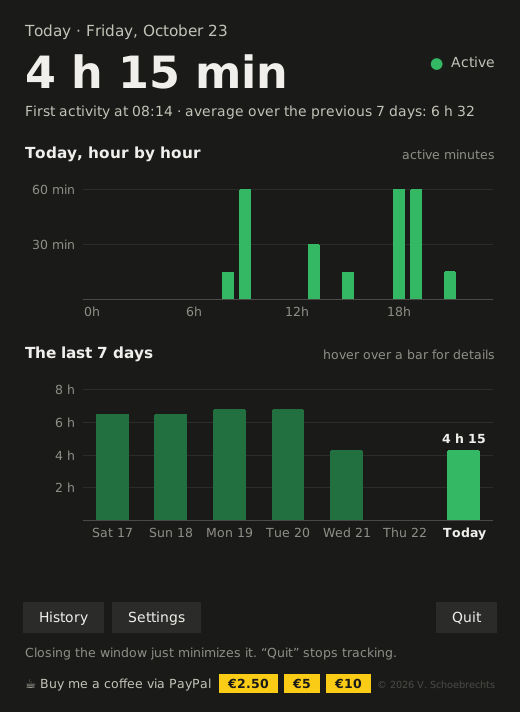
New in version 1.5
- Once a month, a small reminder to support PC Time with a coffee (one click hides it for a month).
- An “Update” button that opens this page (also in Settings).
PC Time sends nothing on its own: this page only opens when you click “Update”.
PC Time is free. A coffee to support it?